
Oil and gas equipment can use several display interfaces because the word “display” may refer to a bare TFT LCD module, an LCD plus controller board, an open-frame monitor, a panel PC, or a complete HMI. The connection between an embedded processor and a bare panel is not the same as the cable between an industrial computer and a monitor.
Interface mistakes are easy to make when engineers compare only the connector shape or pin count. Two LCDs can use 30-pin connectors while requiring different signal standards, lane counts, bit mappings, voltages, timing, backlight circuits, or power sequences. A monitor may accept HDMI while the LCD inside it uses LVDS or eDP.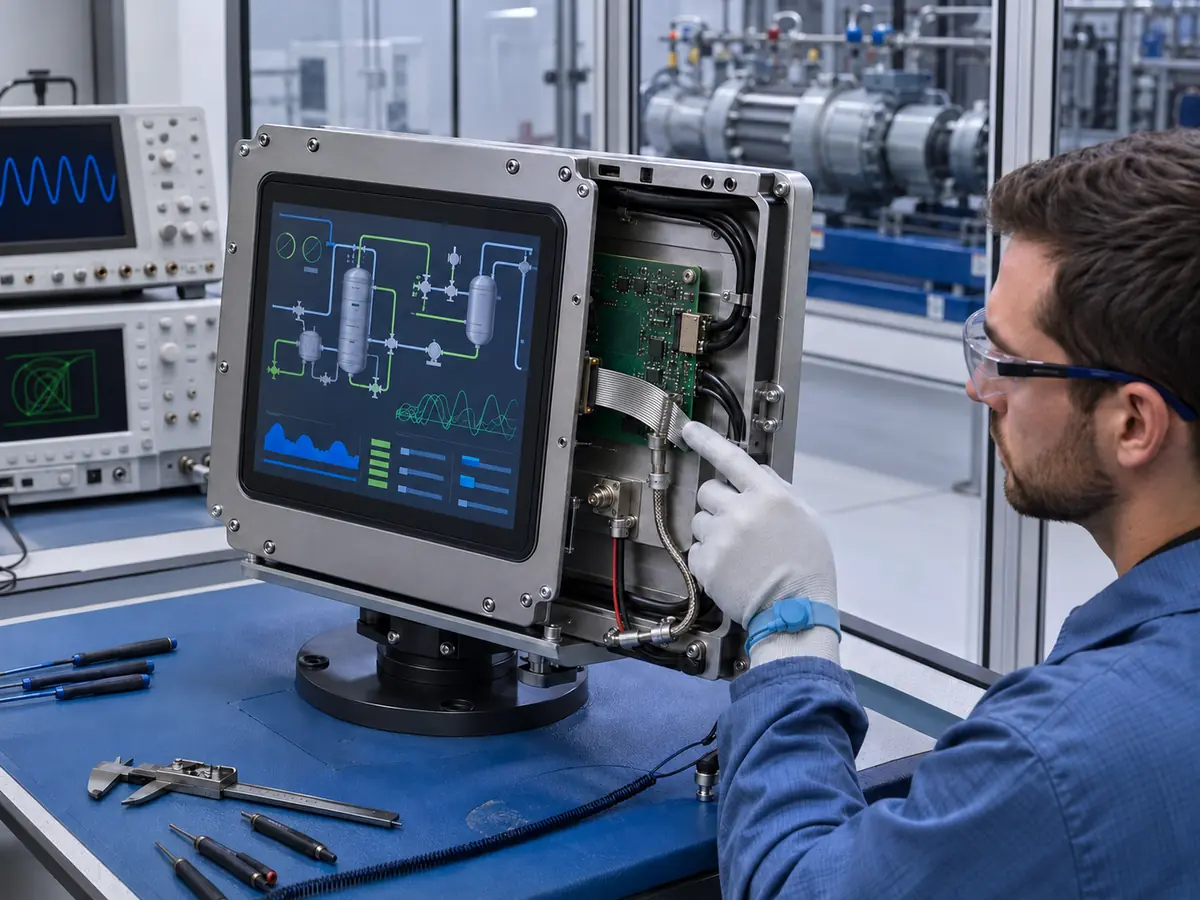
Long equipment lifecycles, vibration, temperature change, electrical noise, remote service access, and controlled hazardous-area configurations can make a small interface substitution a system-level change. Selection should begin with the complete signal path and equipment architecture.
Quick Answer: Oil and gas equipment commonly uses LVDS, eDP, MIPI DSI, or parallel RGB between an embedded host and a native LCD module. Complete monitors and panel computers may accept HDMI, DisplayPort, DVI, or VGA through a display controller. Touchscreens commonly connect through USB or I²C. RS-232, RS-485, CAN, Modbus, and Ethernet may carry equipment or HMI data, but they are not normally the native pixel interface of the TFT LCD. Compatibility requires matching the signal standard, resolution, timing, lane or channel count, color mapping, connector, pinout, voltage, power sequence, backlight control, cable, firmware, host software, and environmental design.
Claim: A display connector identifies only one physical detail. Reliable interface approval requires the complete electrical, timing, software, mechanical, environmental, and lifecycle configuration.
1. Which Interface Layers Exist in Oil and Gas Display Systems?
Before naming an interface, engineers should define which two components are being connected. A drilling controller with an integrated LCD, a pump-skid monitor, a panel PC, and a remote SCADA workstation can all show process graphics while using different hardware paths.
Direct answer: A typical architecture may contain three display-related layers. The first is the native pixel link from an embedded processor or timing controller to the LCD module. The second is a standard video link from an industrial computer to a display controller or complete monitor. The third is the touch-data link from the touch controller to the host. Network and fieldbus connections deliver process data or commands to the HMI computer, not pixels directly to the LCD panel.
What Is a Native LCD Interface?
A native LCD interface carries pixel data and control information from the host electronics to a TFT LCD module. The panel normally expects a defined resolution, refresh rate, timing, color depth, mapping, signal format, and electrical level. LVDS, eDP, MIPI DSI, and parallel RGB are examples.
This arrangement can reduce enclosure depth and component count because the embedded host drives the panel directly. It also places more compatibility responsibility on the equipment designer. The host output and LCD input must match at the electrical and timing level, and the equipment must provide the correct LCD power and backlight control.
What Is a Standard Video Input?
HDMI, DisplayPort, DVI, and VGA usually connect a computer or controller to a monitor or display controller board. The controller receives the standard video signal and converts or maps it to the native interface required by the internal LCD.
What Is a Touch Interface?
The touch sensor does not normally send video. A touch controller measures the sensor and reports coordinates or touch events to the host through an interface such as USB or I²C. Video and touch may therefore use separate cables even when the operator experiences one combined touchscreen.
The interface must work with the operating system, driver, screen orientation, scaling, HMI software, startup order, suspend and resume behavior, grounding, and cable length. The touch design considerations are discussed further in How Do Touchscreens Improve Oil and Gas Equipment Operation?.
Are RS-485, CAN, Modbus, and Ethernet Display Interfaces?
They may be part of an HMI system, but they should not be confused with the native LCD pixel interface. A PLC, remote I/O system, analyzer, or controller can send process data to an HMI computer through Ethernet, serial communication, CAN, or an industrial protocol. The HMI software converts that data into graphics, and a separate display interface carries the rendered image to the LCD.
Claim: Native video, standard monitor video, touch data, and control-system communication are separate interface layers. Identifying the layer prevents incompatible parts from being compared as though they perform the same function.
2. Which Native LCD Interfaces Are Used in Oil and Gas Equipment?
The native interface often follows the embedded processor, display size, resolution, panel generation, available PCB space, and lifecycle of the equipment. Oil and gas applications do not require one unique signal standard; they require an interface that can be integrated and validated within the intended control system.
Direct answer: LVDS remains common across industrial TFT LCDs and legacy embedded platforms. eDP is used on newer embedded computers and higher-resolution panels. MIPI DSI can suit compact, processor-based devices, while parallel RGB appears in smaller or established embedded designs. The same interface family does not guarantee compatibility between two panels.
Why Is LVDS Common in Industrial Equipment?
LVDS uses differential signaling and has a long history in industrial TFT LCD integration. It is available across many sizes and resolutions and can provide stable operation when the transmitter, receiver, cable, mapping, grounding, and power design are correct.
Engineers still need to match single-channel or dual-channel operation, bit depth, JEIDA or VESA color mapping where applicable, pixel clock, timing, connector, pinout, panel voltage, and backlight circuit. The label “LVDS” alone does not show whether two devices can be connected.
When Is eDP Used?
Embedded DisplayPort supports modern embedded display architectures and can carry higher-resolution data with fewer conductors than some older parallel arrangements. VESA defines eDP as an embedded display standard, but each panel and host still implements a particular link rate, lane count, power sequence, AUX-channel behavior, connector, and control method.
The host firmware, graphics hardware, operating system, and panel may participate in link training and display identification. Replacement work should therefore include cold start, warm restart, repeated power cycling, signal interruption, recovery, brightness control, and the production BIOS or firmware.
Where Does MIPI DSI Fit?
MIPI DSI is a high-speed serial link between a host processor and a display module. It can support compact connectors and low-power embedded designs, which may be useful for handheld service terminals, compact instruments, portable diagnostic equipment, or small integrated controllers.
Compatibility depends on the DSI mode, number of data lanes, physical layer, data rate, packet or command behavior, initialization sequence, display command set, timing, voltage, and software support. A processor that lists MIPI DSI does not necessarily contain the initialization data required by a specific panel.
When Is Parallel RGB Used?
Parallel RGB carries pixel data and timing over multiple conductors. It can suit compact or established embedded controllers where the processor provides a compatible display output and the cable path is short. It may also be found in legacy equipment whose electronics were designed around a particular LCD.
The designer must match bus width, color depth, pixel clock, synchronization or data-enable timing, voltage, connector, pinout, and cable layout. Its larger conductor count can affect connector size and routing, while uncontrolled signal paths can create image or EMC problems.
Can One Native Interface Be Converted to Another?
A bridge device or display controller may convert between selected interfaces, but conversion is not automatic. The bridge must accept the host signal, generate the panel’s exact output, support the native resolution and timing, control the backlight and power sequence, and start reliably with the host.
Adding conversion also adds firmware, heat, power, PCB space, sourcing, EMC, and lifecycle considerations. Engineers should compare this controlled redesign with using a panel that directly matches the host. General interface differences are reviewed in Why Use LVDS, MIPI, or eDP in Industrial Display Systems?.
Claim: LVDS, eDP, MIPI DSI, and RGB identify interface families, not complete compatibility. Approval requires the specific host, panel, electrical definition, timing, firmware, cable, power, and startup behavior.
3. Which Video and Touch Interfaces Are Used in Complete HMIs?
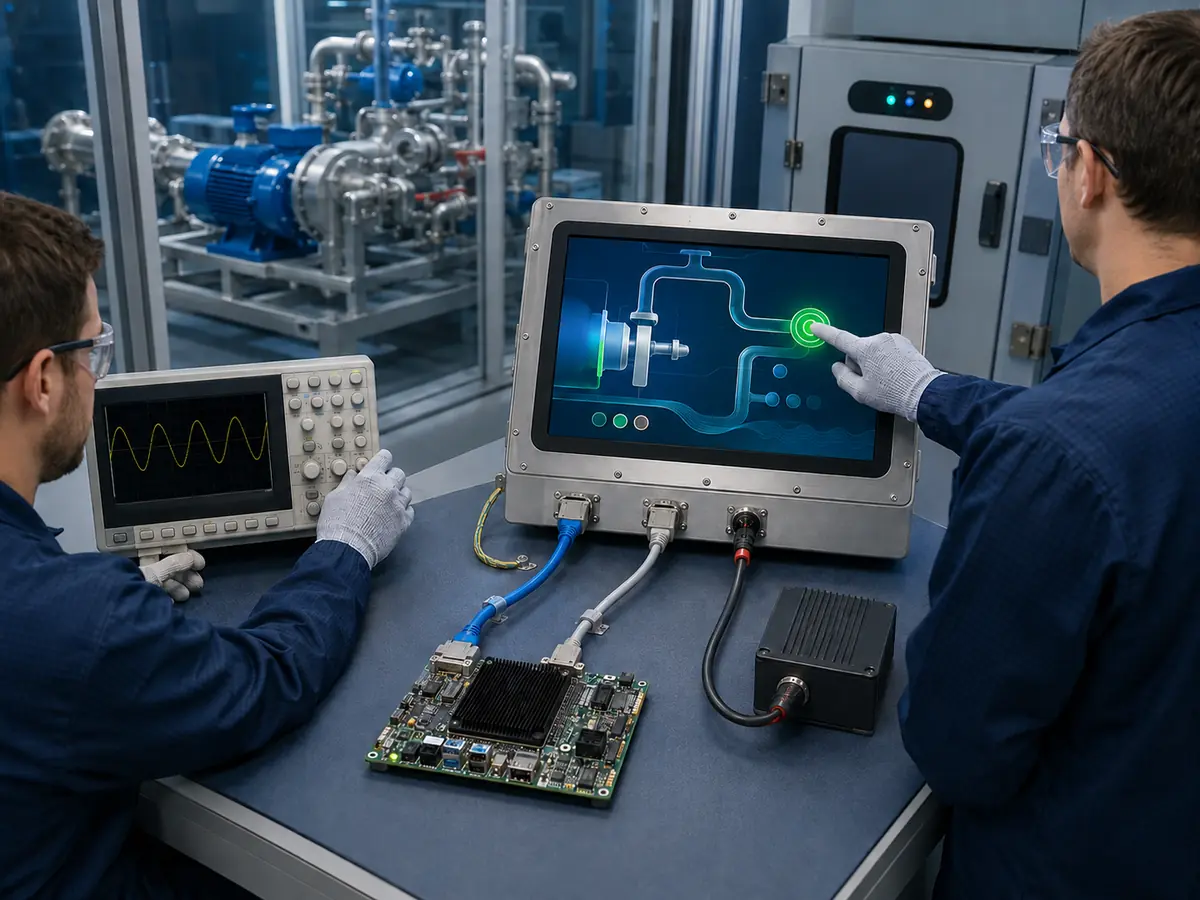
A complete oil and gas HMI may use a monitor input rather than expose the native LCD interface. This can separate the industrial computer from the display assembly and make standard computer replacement easier, provided that the selected interface, cable, controller, and connectors are suitable for the installation.
Direct answer: HDMI and DisplayPort are common digital inputs for modern computers and higher-resolution HMIs. DVI may remain in installed systems, while VGA can appear in long-lived legacy equipment. USB is common for touch because many operating systems can use a standard HID-class device. I²C is more closely integrated with an embedded host and normally requires coordinated hardware and software.
When Is HDMI Appropriate?
HDMI is widely available on industrial computers and can carry digital video through a familiar connector. It can be practical for open-frame monitors, operator consoles, maintenance displays, and panel PCs whose architecture includes a separate display controller.
Engineers should confirm supported resolution and refresh rate, EDID behavior, connector retention, cable type and length, startup detection, hot-plug behavior where applicable, and recovery after host or monitor power cycling. A consumer-style friction connector may need mechanical retention inside vibrating equipment.
When Is DisplayPort Appropriate?
DisplayPort can support high-resolution industrial computers, multi-display workstations, inspection systems, and process visualization stations. Its use should be based on the host and monitor capability rather than a general assumption that it is always interchangeable with eDP.
External DisplayPort and embedded DisplayPort share a standards family but serve different system positions. Connector, signaling implementation, power, link behavior, cable, and panel integration are not automatically the same. Passive or active adapters also add another configuration that needs validation.
Why Are DVI and VGA Still Found in Existing Equipment?
Oil and gas machinery may remain in service long after a computer interface becomes uncommon in new products. DVI can support digital video in established installations, while VGA may remain on older industrial computers, KVM systems, and controller boards.
Keeping the original interface can reduce software and host changes during a display replacement. VGA image position, clock, phase, cable quality, and analog noise require particular attention. For either interface, long-term availability of the controller and connector should be considered rather than assuming that legacy support will continue indefinitely.
How Do USB and I²C Support Touch?
USB touch can simplify integration with a computer when the controller presents a supported Human Interface Device profile. Engineers should still test device enumeration, operating-system support, coordinate mapping, rotation, wake, suspend, resume, restart, and behavior after a temporary disconnection.
I²C can reduce external connector requirements in an embedded system, but it places more responsibility on the host design. Voltage, pinout, interrupt, reset, addressing, cable length, pull-up design, driver, firmware, startup sequence, and recovery must be coordinated. Neither USB nor I²C guarantees glove, water, or noise performance; those depend on the complete touch system.
Claim: Standard video and touch interfaces can simplify HMI integration, but reliable operation still depends on controller firmware, cable construction, connector retention, operating-system behavior, power, grounding, and recovery testing.
4. How Should Engineers Select and Validate a Display Interface?
Interface selection should start with the existing or planned host architecture. Choosing the LCD first and assuming that an adapter will solve every mismatch can create avoidable development work, particularly when the enclosure, controller, and software are already constrained.
Direct answer: Engineers should document the host output, LCD or monitor input, native resolution, timing, refresh rate, color depth, channel or lane count, mapping, connector, pinout, voltage, power sequence, backlight control, cable, touch interface, software, startup behavior, environmental conditions, quantity, lifecycle, and compliance scope. The production-intent system should then be tested through image, touch, power, noise, temperature, vibration, interruption, and recovery conditions.
Why Is the Datasheet Comparison Essential?
The host manual, LCD datasheet, controller specification, and cable drawing should be compared line by line. Confirm signal direction, connector orientation, pin numbering, unused pins, panel power, logic level, backlight power, enable and dimming signals, timing, color mapping, and sequence requirements.
A cable should never be prepared solely from connector photographs. Reversed orientation, different ground placement, or an incorrect voltage can prevent operation or damage the panel, host, or controller. When replacing an existing LCD, inspect both ends of the original cable and verify continuity against documented pin definitions.
How Do Cable Length and Routing Affect Reliability?
Interface performance depends on signal rate, cable type, shield, pair construction, impedance, length, connector, grounding, bend radius, and routing. Motors, drives, switching supplies, contactors, radios, and long power cables can create an electrical-noise environment that is absent from the bench.
The cable should be routed away from noise sources, restrained against movement, and protected from sharp bends or connector load. Shield termination and chassis bonding should follow the system EMC design. A longer replacement cable can change signal integrity even when its pinout is correct.
What Startup and Recovery Tests Are Needed?
Test cold start, hot start, host-first and display-first power order where credible, repeated power cycling, brownout, source interruption, cable reconnection if allowed, controller reset, system restart, suspend and resume, and recovery after a communication fault. Confirm image timing, brightness control, touch enumeration, orientation, and scaling after every event.
Long-duration operation should check for intermittent flicker, link loss, image corruption, controller reset, backlight anomalies, touch loss, or failure to recover. The final test should use production BIOS, operating system, graphics driver, HMI software, cable, power supply, grounding, and enclosure.
How Should Environmental and EMC Testing Be Applied?
Depending on the equipment, validation may include operating and storage temperature, thermal cycling, humidity, vibration, shock, connector retention, cable movement, EMC, ESD, power disturbances, and long operation. Image and touch should be monitored during applicable tests because a stable backlight does not prove that the video link or touch connection remains functional.
The test levels and pass criteria must come from the actual equipment requirement, installation, applicable standards, and certification plan. Broader application conditions are described in Why Does Oil and Gas Equipment Need Industrial LCD Displays?.
How Do Hazardous-Area Requirements Affect Interface Changes?
A signal interface does not make equipment suitable for an explosive atmosphere. Area classification, protection concept, power and energy limits, cable entries, enclosure construction, temperature rise, fault behavior, installation, and regional conformity remain equipment-level responsibilities.
Changing an LCD, controller board, cable, connector, touch controller, power circuit, or firmware can affect an evaluated configuration. The responsible equipment manufacturer and certification parties should determine whether the change requires engineering review, testing, documentation updates, or renewed assessment before it enters production or service.
What Should Remain Under Configuration Control?
Controlled display-side items may include the LCD model and revision, controller board and firmware, bridge device, EDID or display configuration, touch controller and firmware, video and touch cables, connectors, pinouts, shielding, backlight setting, power circuit, drawings, inspection criteria, and approved alternatives.
The equipment manufacturer should also control the host board, BIOS, operating system, graphics and touch drivers, HMI software, resolution, scaling, power supply, grounding, enclosure, cable routing, and assembly method. Product changes should be reviewed against the approved evidence rather than accepted because the new component uses the same interface name.
Claim: Interface validation must reproduce the complete host-to-display and touch-to-host paths under production power, software, cables, grounding, enclosure, environmental conditions, and controlled change rules.
5. What Advantages Does XIANHENG Offer for Oil and Gas Display Interface Projects?
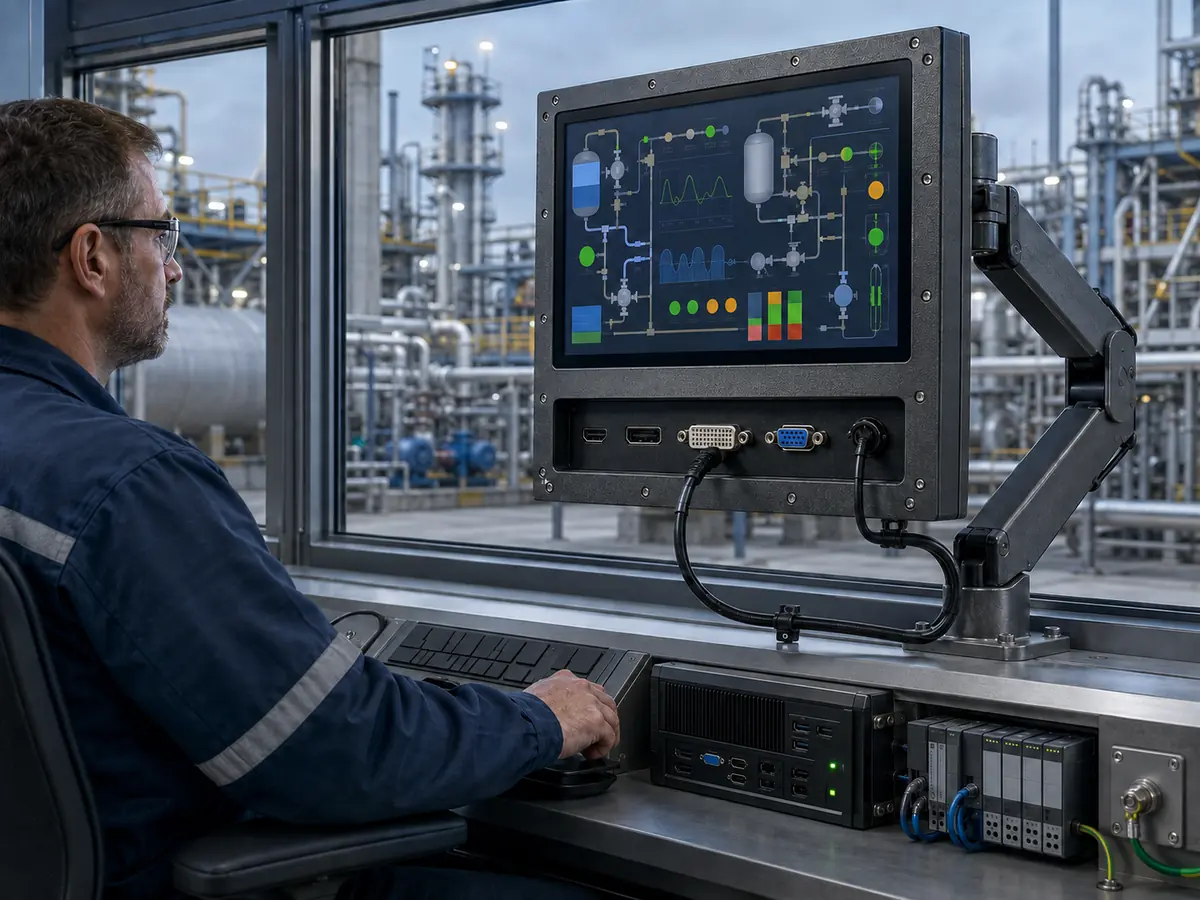
XIANHENG supports display integration for drilling controls, well-service equipment, pump and compressor packages, metering skids, pipeline stations, analyzers, refinery machinery, loading systems, offshore equipment, and remote HMIs. Support can begin with a new host design, a selected LCD, or an existing interface that must be replaced.
Direct answer: XIANHENG can help customers compare LVDS, eDP, MIPI DSI, RGB, HDMI, DisplayPort, DVI, and VGA display architectures while coordinating industrial TFT LCD selection, controller boards, firmware, customized cables, touch interfaces, cover glass, bonding, samples, inspection, replacement analysis, and lifecycle planning. Customers can review panel starting points in the Industrial LCD Product Collection. Final host design, enclosure protection, hazardous-area conformity, functional safety, and equipment qualification remain with the responsible equipment manufacturer and certification parties.
How Can XIANHENG Review a Native LCD Connection?
Customers can provide the host-board manual, schematic excerpt where permitted, output specification, LCD datasheet, cable drawing, resolution, operating system, and startup requirements. XIANHENG can compare the selected panel’s interface family, timing, mapping, lane or channel count, color depth, voltage, connector, pinout, sequence, and backlight requirements.
If the host and panel do not connect directly, the project can evaluate another LCD, a customized cable when the electrical definitions already match, or a suitable controller or bridge architecture. A cable cannot convert an incompatible signal standard by itself.
Can XIANHENG Support Standard Video Inputs?
When an industrial computer provides HDMI, DisplayPort, DVI, or VGA, XIANHENG can review a controller solution for the selected LCD. The configuration may include controller firmware, supported input, native output, resolution, timing, backlight control, power, connectors, buttons or remote controls, and the required cable set.
The completed assembly should be tested with the production computer and software. Source detection, EDID behavior where applicable, scaling, image position, power sequence, signal interruption, and recovery should be checked rather than assuming that a generic controller will behave the same with every host.
How Can Customized Cables Reduce Integration Uncertainty?
A controlled cable drawing can define both mating connectors, pin numbering, electrical connections, length, pair assignment, shielding, ground termination, cable direction, bend limits, labels, and retention. This is especially useful when the host and LCD use electrically compatible interfaces but different connector families or positions.
Cable development should remain within the signal-length and routing limits of the interface. XIANHENG can prepare samples for equipment testing, while the customer validates signal integrity, EMC, vibration, service access, and installation in the actual machine.
Can XIANHENG Coordinate Video and Touch Together?
XIANHENG can coordinate the LCD, controller, PCAP or resistive touch, touch controller, USB or I²C connection, cover glass, bonding, and cables as one display subsystem. This helps maintain the correct image area, touch mapping, orientation, firmware, mechanical stack, and connector arrangement.
The system should still be tested through host startup, operating-system loading, HMI launch, rotation, scaling, touch enumeration, power cycling, noise exposure, and recovery. One working image and one successful touch do not establish production reliability.
How Can XIANHENG Support Existing Equipment Replacement?
For an obsolete or unreliable display, customers can send the original LCD, controller, touch panel and cable models; datasheets; drawings; connector and assembly photographs; host output; software resolution; firmware or BIOS information; annual demand; and current symptoms.
XIANHENG can compare candidate solutions across interface, mechanics, optics, power, backlight, touch, software behavior, environmental ratings, and lifecycle. If a direct replacement is unavailable, the project can define a controlled redesign and identify the equipment tests affected by the change.
What Information Should Customers Send to Start?
Useful inputs include the equipment type, display location, host model, processor or graphics output, desired LCD size and resolution, original panel, native interface, standard video input, connector, pinout, voltage, cable length and direction, touch interface, operating system, startup behavior, brightness control, temperature, vibration, EMC conditions, classified or non-classified area, annual quantity, schedule, and lifecycle target.
To discuss an oilfield LCD interface, drilling-control display, pump or compressor HMI, pipeline-station monitor, offshore touchscreen, controller-board solution, customized display cable, or obsolete-panel replacement, please reach out to XIANHENG.
Claim: XIANHENG supports oil and gas display-interface projects by coordinating the panel, controller, firmware, cables, touch, mechanics, samples, production controls, replacement work, and supply lifecycle while keeping final system responsibilities clearly defined.


